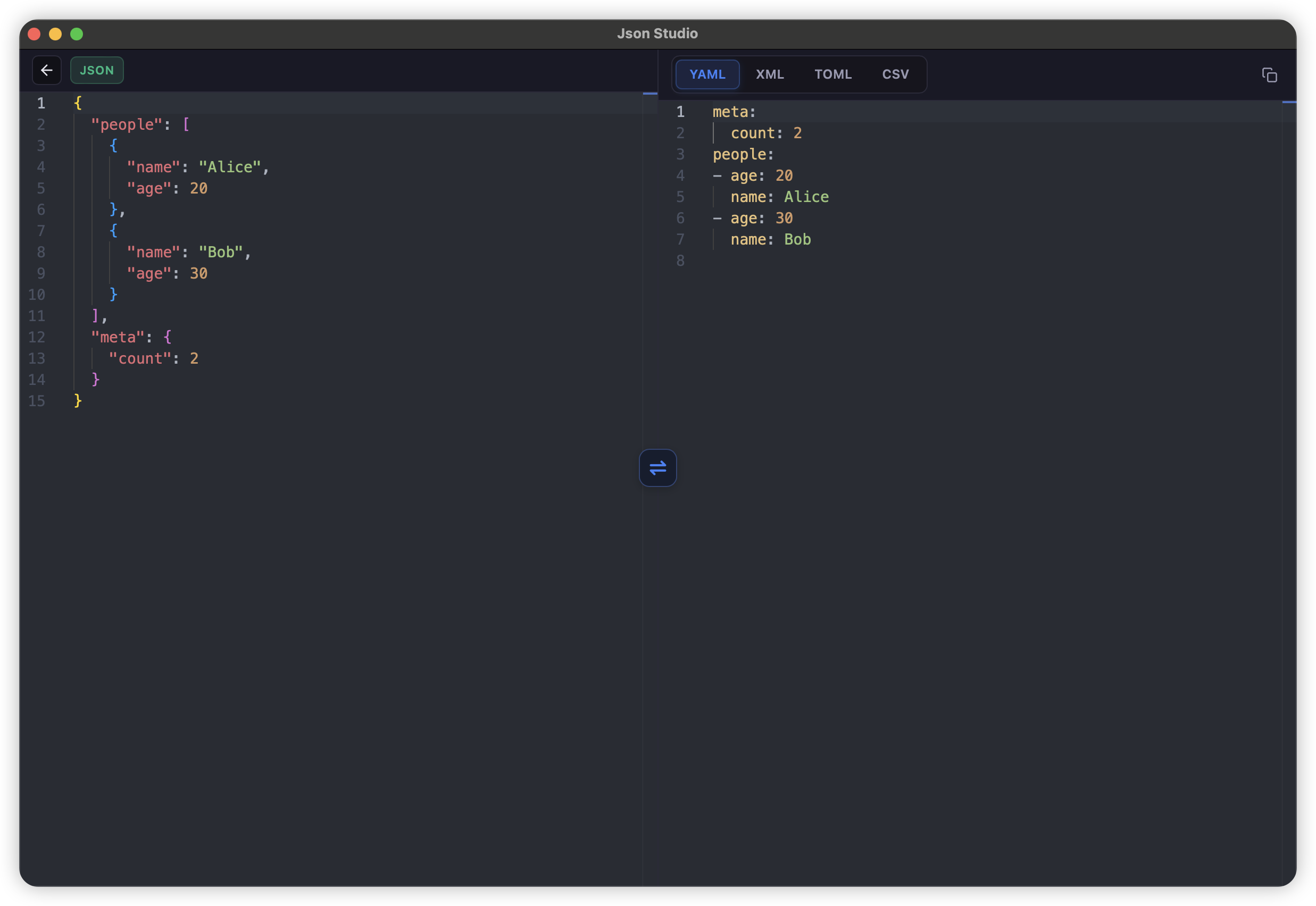
What is JSON Converter?
JsonStudio's JSON converter is a native desktop tool that converts JSON to and from multiple formats including YAML, XML, TOML, and CSV. Unlike online JSON converters, it runs 100% offline with better performance and complete privacy.
Supported Conversion Formats
JSON ↔ YAML
Convert between JSON and YAML formats. Perfect for Kubernetes configs, Docker Compose files, and CI/CD pipelines.
JSON ↔ XML
Convert between JSON and XML formats. Useful for legacy system integration and SOAP APIs.
JSON ↔ TOML
Convert between JSON and TOML formats. Ideal for Rust Cargo.toml configs and other configuration files.
JSON ↔ CSV
Convert between JSON and CSV formats with rainbow column highlighting. Perfect for spreadsheet data and data analysis.
Why Use JsonStudio JSON Converter?
Instant Conversion
Convert large files in milliseconds with native Rust performance.
Bidirectional
Convert JSON to other formats AND convert back to JSON.
Syntax Highlighting
All formats have proper syntax highlighting for easy reading.
Validation
Automatic validation during conversion with detailed error messages.
Complete Privacy
All conversion happens locally, your data never leaves your machine.
Large File Support
Handle multi-MB files smoothly without browser limits.
No Ads
Clean, focused interface.
Offline
Works without internet connection.
How to Convert JSON in JsonStudio
- Download and install JsonStudio from GitHub Releases
- Open the Converter tool from the left sidebar
- Paste your JSON data (or load from file)
- Select target format – YAML, XML, TOML, or CSV
- Click Convert – result appears instantly with syntax highlighting
- Copy or save the converted result
JSON Converter vs Online Tools
Here's why JsonStudio's JSON converter is better than online alternatives:
- Performance: Online converters struggle with large files. JsonStudio handles multi-MB files instantly.
- Privacy: Online tools upload your data to their servers. JsonStudio processes everything locally.
- Bidirectional: Many online tools only support one-way conversion. JsonStudio supports conversion in both directions.
- Validation: JsonStudio validates both input and output formats with detailed error messages.
- Professional editor: Monaco Editor with syntax highlighting for all formats (JSON, YAML, XML, TOML, CSV).
Frequently Asked Questions
Is JsonStudio JSON converter free?
Yes, JsonStudio is completely free and open source (MIT License). All conversion features are included with no limitations.
Can I convert YAML back to JSON?
Yes, JsonStudio supports bidirectional conversion. You can convert JSON to YAML and YAML back to JSON.
Does it handle large files?
Yes, JsonStudio can convert multi-MB files smoothly. It's built with Rust for high performance.
What platforms are supported?
JsonStudio is available for macOS, Windows, and Linux. Download from GitHub Releases.
Does it work offline?
Yes, JsonStudio works 100% offline. All conversion happens locally on your computer.